
Purchase orders built by AI from PDFs and photos
Qubi helps you import purchase orders starting from the documents you already have. PDFs, photos and informal lists become a far faster base for building the cart, matching what you buy and cutting manual data entry.
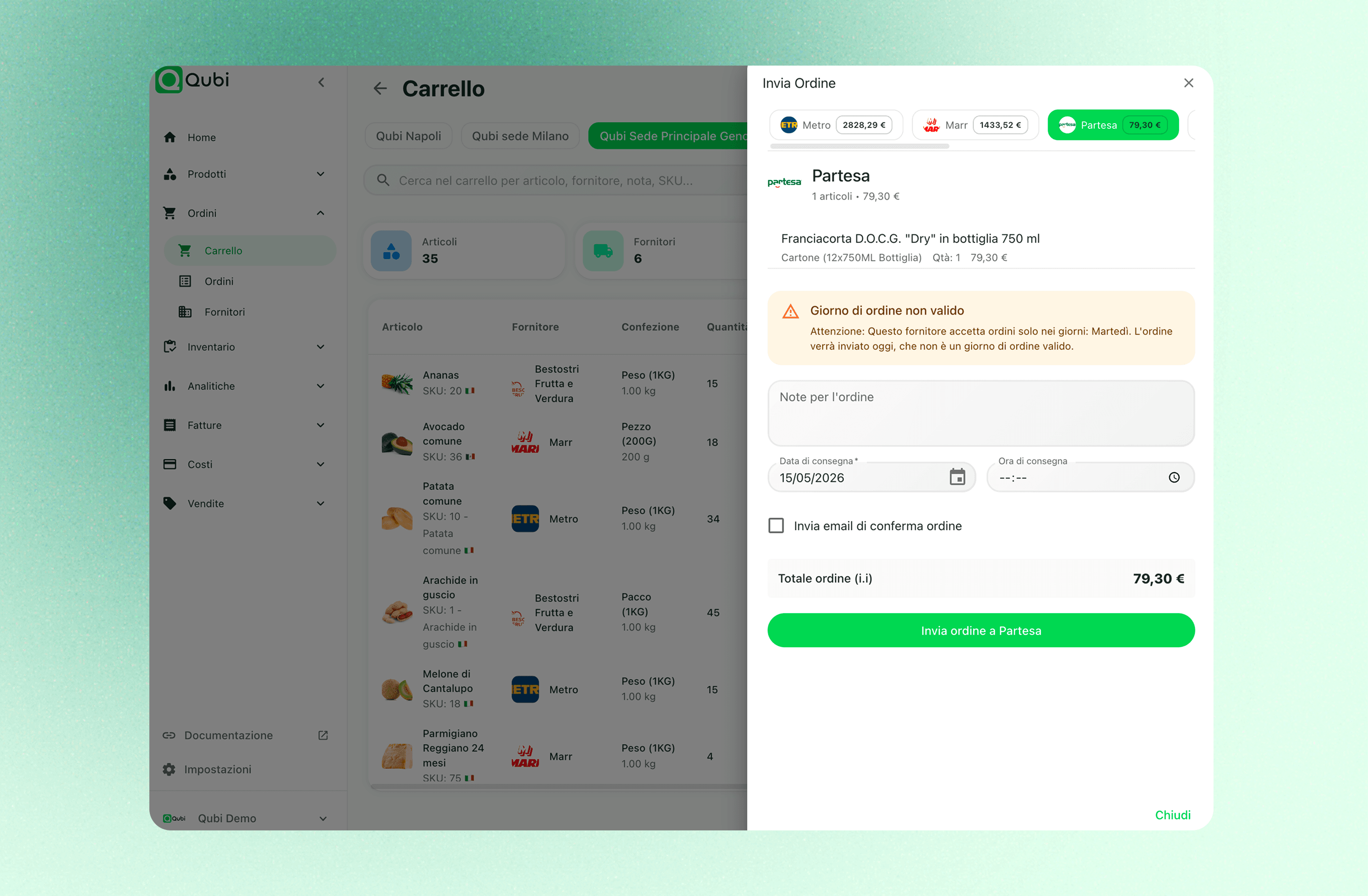
What AI speeds up in your ordering flow
Documents read for you
AI turns files and images into something much closer to an order you can work on, instead of a page you have to retype.
Import from PDF
Start from the documents and price lists you already receive, without copying every line across by hand.
Import from a photo
Even the most informal order, scribbled on a sheet and photographed, becomes a structured starting point.
Straight to the cart
Reading the document is only half the point: what matters is reaching a purchase flow you can actually send.
Products matched to your catalogue
Items and pack sizes are easier to map onto what you already buy, which removes a lot of repetitive checking.
Less time lost to typing
AI import compresses the dullest part of the job and shortens the step from document to confirmed order.
Shopping list from menus
Not only import: you can also build the cart from a dish or a full menu, choosing portions and the stock to take into account.
Import an order without starting from a blank page
Plenty of orders still begin life as a PDF, a price list or a picture sent over in a hurry. Qubi uses AI to read that material and turn it into a tidier flow, cutting both the time and the typing.
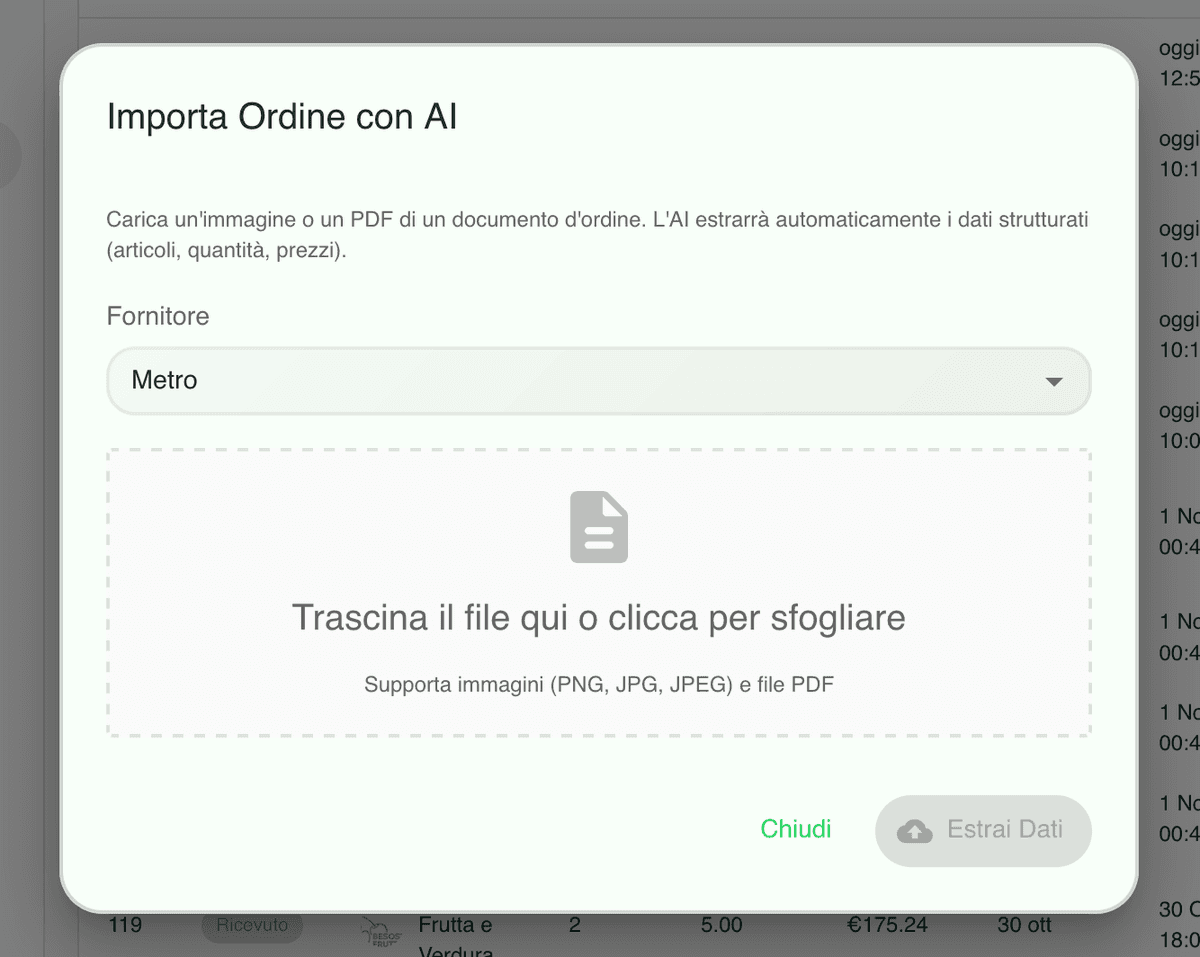
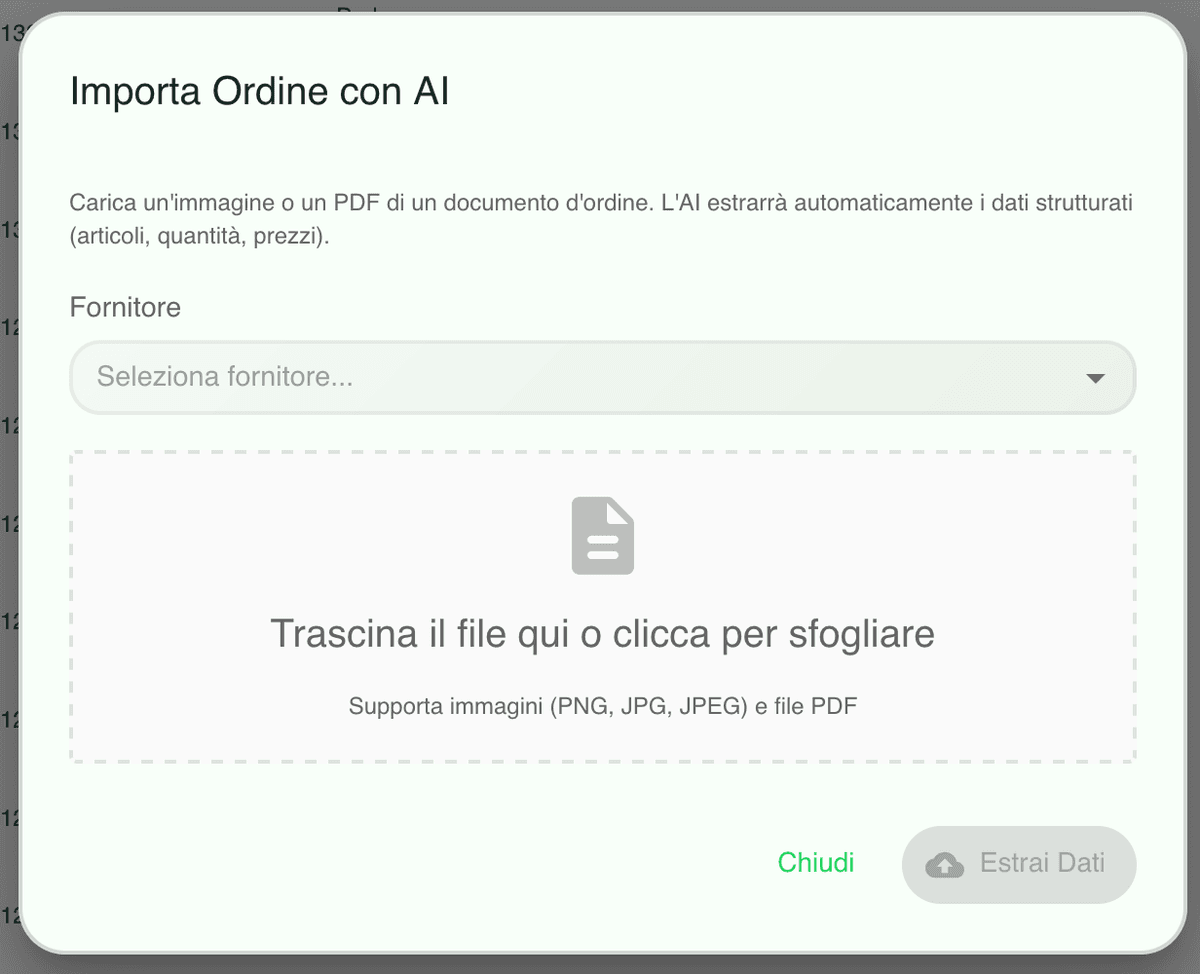
Items, quantities and pack sizes become easier to interpret
AI is not here for show, it is here to speed up repetitive work. The better the system reads what comes in from the people you buy from, the more your team can focus on decisions instead of transcription.
Missing items stop bringing the whole flow to a halt
The most common problem with any import is a line the catalogue has never seen before. Qubi is built for that case too: it helps you complete the catalogue and keep the process moving instead of stalling on one row.
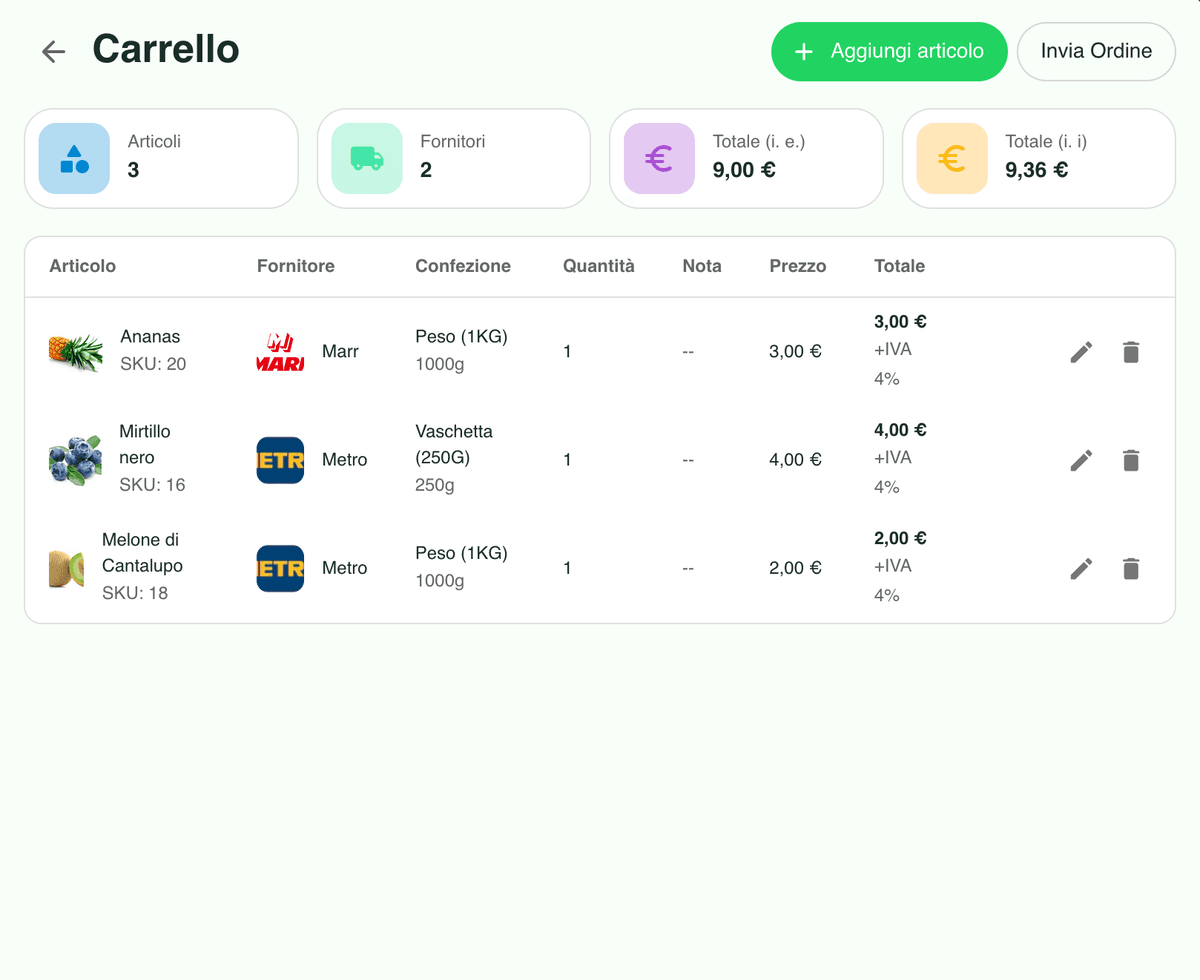
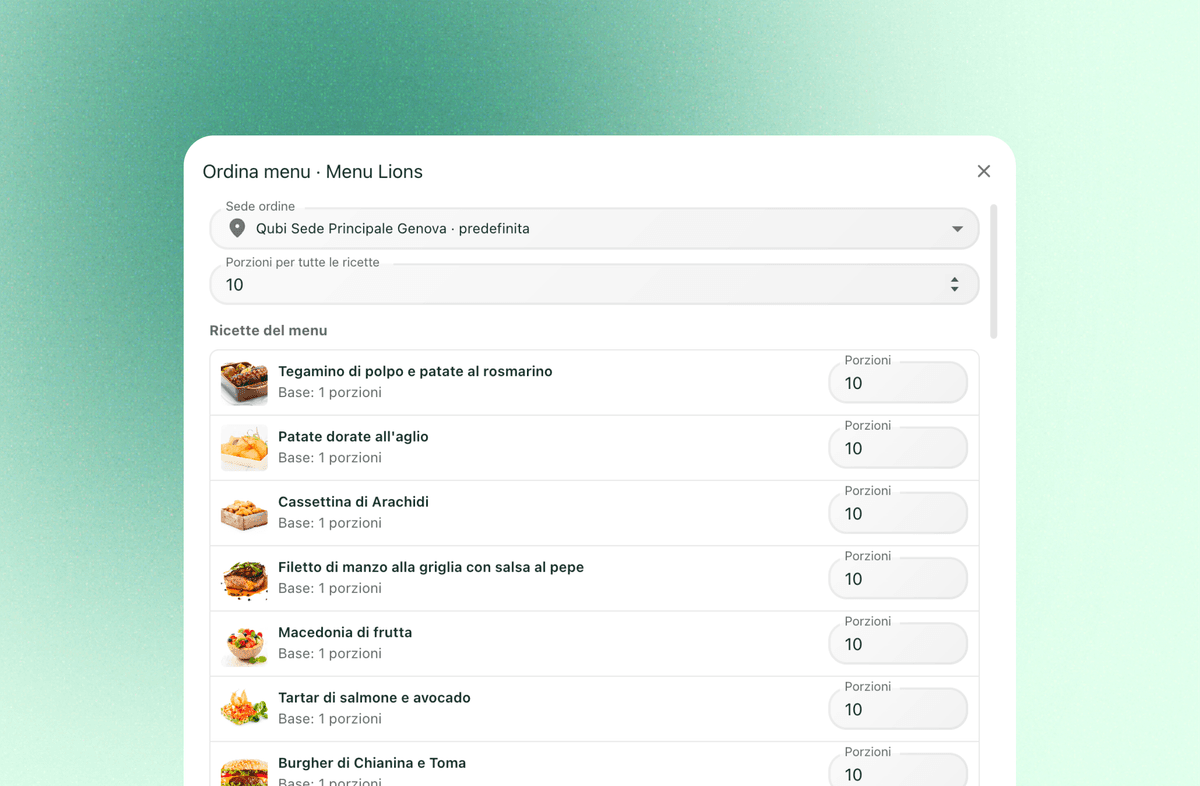
You can also start from a dish or a menu, not just a document
When the need comes from inside the kitchen, Qubi lets you build the shopping list from a single dish or a full menu. Choose the portions, subtract the stock you already hold and add only what is genuinely missing.
AI purchase orders FAQ
Practical answers on when AI import genuinely saves your team time on purchasing.
Can the AI really read PDFs and photos of an order?
Yes. Qubi was built to turn documents and images into a tidier working flow, recognising items, quantities and pack sizes wherever the source material makes it possible.
What happens if an item is not in my catalogue yet?
The import does not stop at reading the page. Qubi helps you handle the missing lines and complete the catalogue as you go, so one unknown product does not block the whole order.
Does the AI replace human judgement?
No. The point is to remove manual work and speed the process up, while your team keeps the final say on what gets bought, from whom and in what quantity.
Is it connected to the purchase cart?
Yes. The goal is never just extracting text: it is getting to a cart you can review and send through your normal ordering flow as quickly as possible.